Easily connect your Smart TV and other devices on the same local network to send and receive files quickly, securely, and without limitations. No cables, no complicated setup — just fast and reliable sharing.
Try Now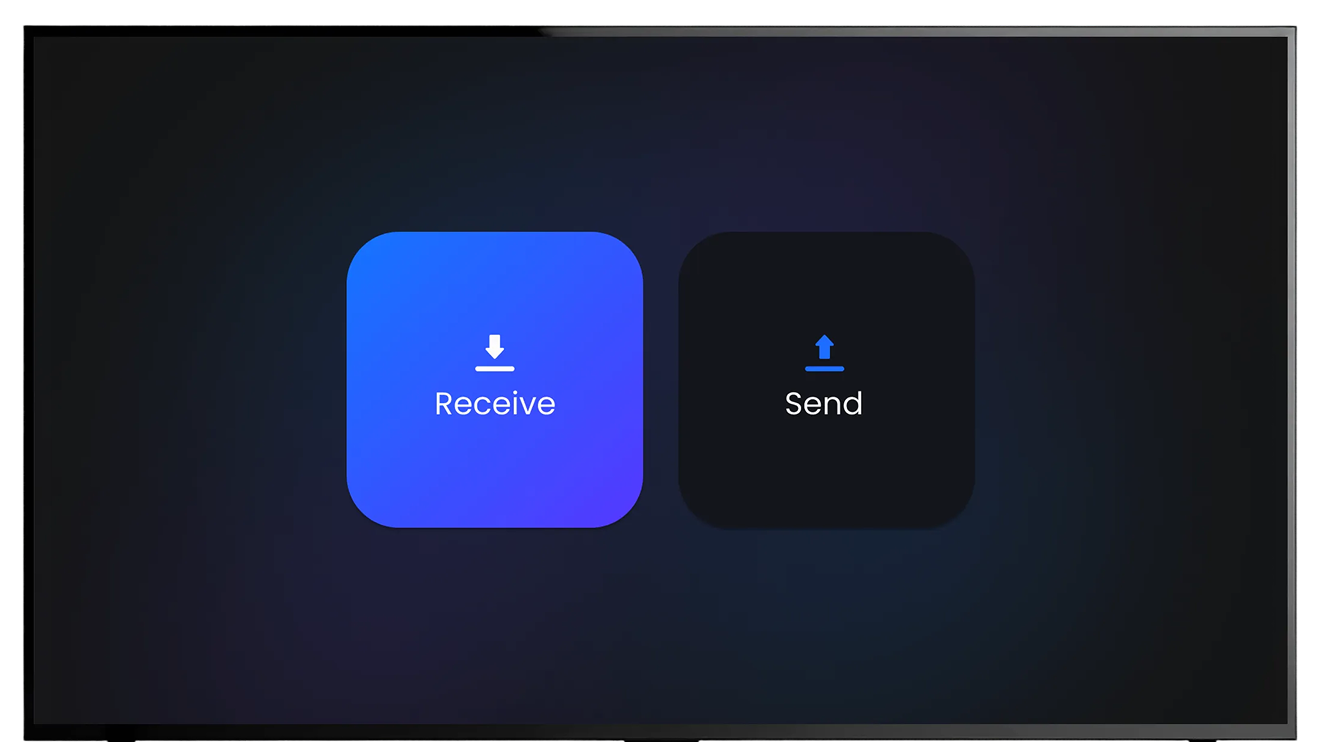
Get Started in Three Simple Steps
Install the Fileshare app on your TV and on every device you plan to use for transferring files.
Enable storage access so Fileshare can send and receive files properly.
You can send files to your TV using Fileshare from other Amazon applications.
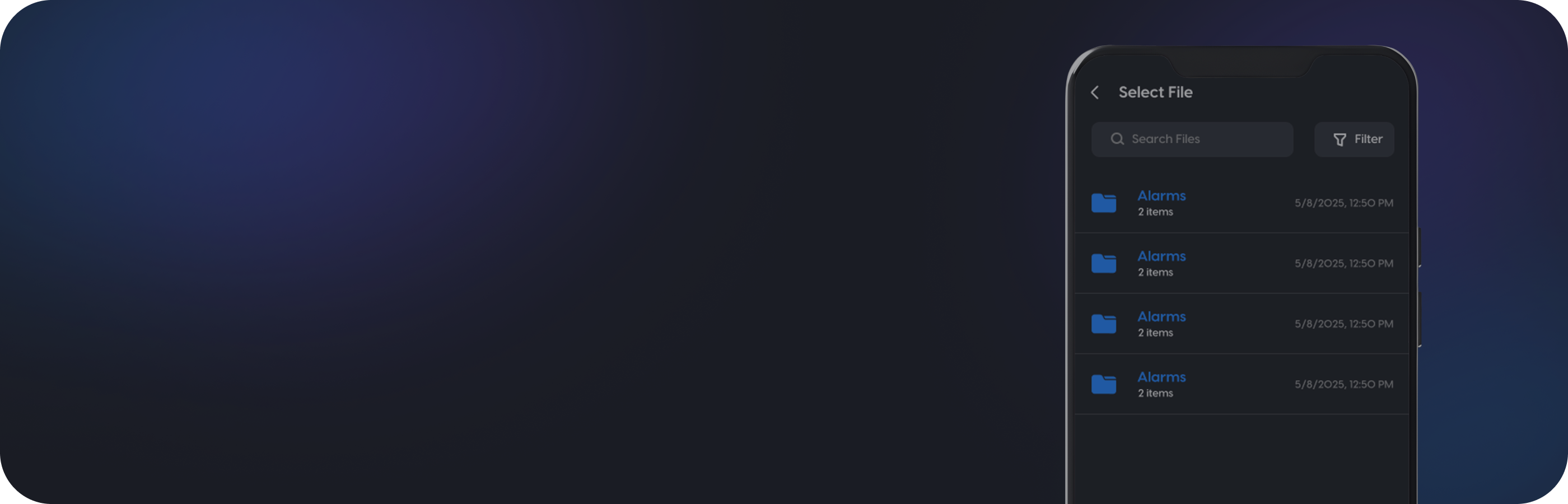
Download the app now and begin transferring files between your devices in minutes.
DownloadChoose a direction to get started
Open the File Share app on your TV first, then tap Send or Receive to get a code.
Point camera at the QR on your TV
On your TV, open the File Share app and tap Receive. The 8-character code appears under the QR.
Code
Photos, videos, PDFs and other files all work.
0%
On your TV, open File Share and tap Send to phone. Pick a file, then enter the 8-character code shown.
Code
Waiting for the TV to send a file…
With Fileshare, your devices work together seamlessly.
Transfer files back and forth over your local network with speed,
stability, and complete flexibility — all in one intuitive app.
